
One Knob.
FAT SOUNDS.
Turn one knob for a fuller, louder sound.

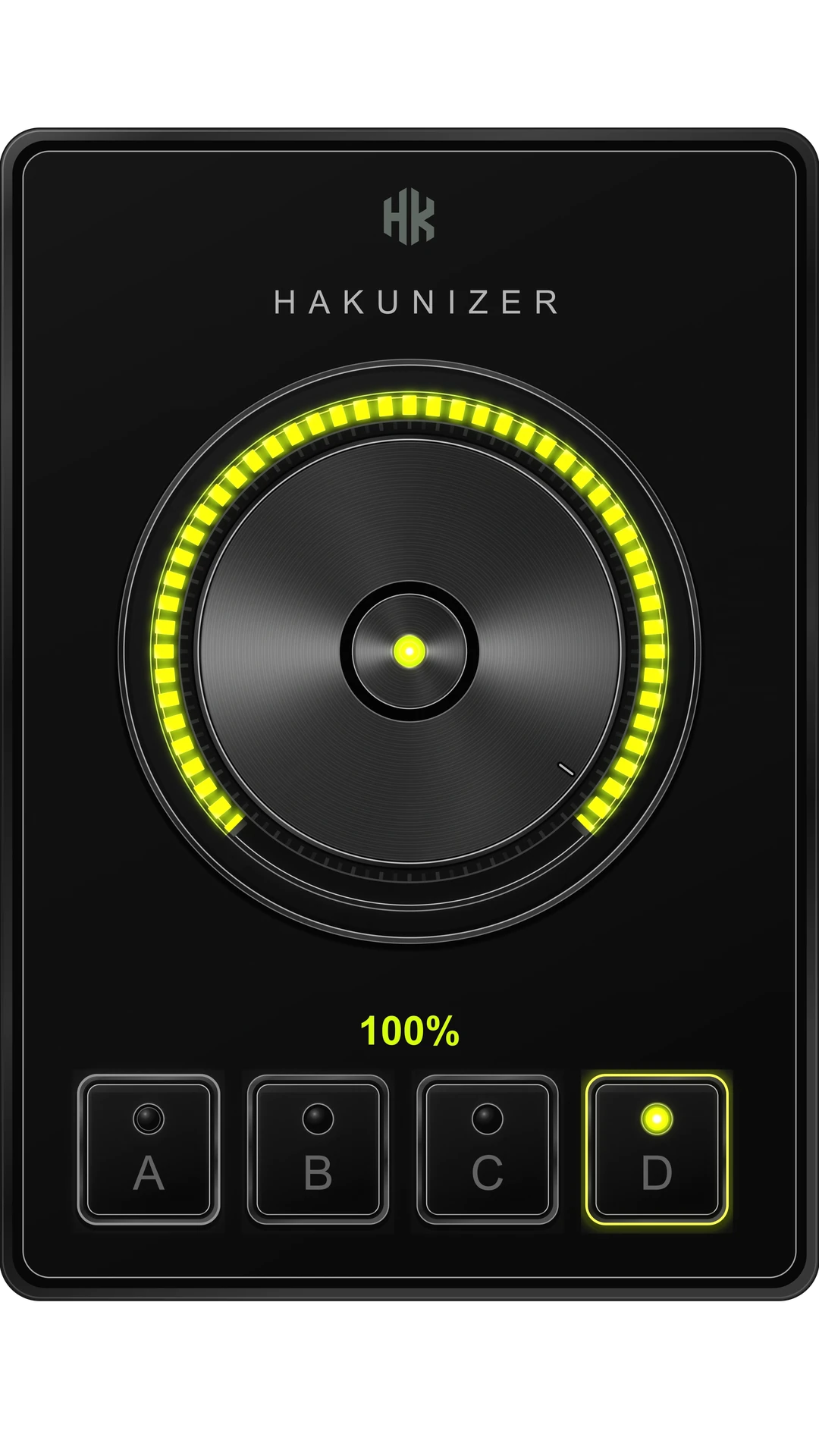

The knob
The iconic one-knob sound for your DAW.
Slap it on a sound and turn the knob. Fat, loud, instant results—with the familiar one-knob character.
CLAP and VST3 on Windows. CLAP, VST3 and Audio Unit on macOS.
The demos on this page are the plugin’s own interface, running silently.
Programs
Four algorithms
One knob. Four voices.
Program A
Deep lows. Bright top.
Brings more weight and depth to the low end while opening the top end for added presence. A strong starting point when a sound needs to feel fuller, clearer, and more ready to cut through the mix.
Listen for More low-end weight, a brighter edge, and a more immediate finished character.
Program B
Forward middle. Steady bottom.
Raises the middle of the sound the most and the low end the least, with the top end in between. The body of a part comes toward you while the bottom of it stays close to where it was.
Listen for The middle of the sound stepping forward, while the bottom moves least.
Program C
Even and dense.
Lifts the whole range by nearly the same amount, and compresses harder than the other three. The balance you already have is left alone; what changes is how loud it is and how steadily it sits.
Listen for Everything louder and steadier at once, with the balance nearly unchanged.
Program D
Louder. Nothing else.
Raises the level and evens out the dynamics without changing the tone, the stereo image, or adding colour. It works on the whole signal instead of splitting it into bands, so the character of the source comes through untouched.
Listen for Louder and steadier, with the quiet parts closer to the loud ones.
Price
No payment, no trial, no expiry. Your license and the download live in your HAKUNA AUDIO account.
Get it freeFree account required. Your license key activates the plugin.
Already have it? View your license
- Windows 10 / 11 · 64-bit — CLAP · VST3
- macOS 10.13+ · 64-bit, Apple Silicon and Intel — CLAP · VST3 · AU
- Claim a free key from your account, activate the plugin, and use it in any DAW that loads one of those formats.
User reviews
What producers are saying.
No reviews yet.
Be the first to share your experience with HAKUNIZER.
Before you install.
Which systems and formats does it run on?
Windows 10 / 11 · 64-bit: CLAP and VST3, installed side by side — load whichever your host prefers.
macOS 10.13+ · 64-bit, Apple Silicon and Intel: CLAP, VST3 and Audio Unit. Logic and GarageBand read Audio Units, which is why that build exists.
Why does the Windows installer show an alert?
Windows may show an alert when opening an installer that has not yet been recognized by Microsoft SmartScreen. Only download HAKUNIZER directly from HAKUNA AUDIO or an authorized HAKUNA AUDIO source.
Is it really free, and what’s the catch?
HAKUNIZER is 100% free. Create a HAKUNA AUDIO account to claim your free license, then download and use the plugin with no feature restrictions. Future HAKUNIZER updates will also be free.
The user guide covers activation and every control. Still unsure? Write to us — the reply comes from the person who wrote the code.